“I want to try, but where do I start?”
Begin with a short foundational session. Learn gentle contractions and full relaxation, then build from there.
 QuietKegel
Private pelvic floor training and habit tracking
Open QuietKegel and choose a session that suits the moment. Follow clear cues to contract, hold and fully relax, and keep track of each session.
No account · No ads · Apple Watch support
From your first try to daily practice, focus on one session at a time.
Begin with a short foundational session. Learn gentle contractions and full relaxation, then build from there.
Turn off voice and background sound. Use the visual cues and haptics to practice quietly at home, before bed or between tasks.
Review your calendar, completed days and training trends. Keep a record of your effort, and feel free to start again.
Today's training helps you get started, guided phases help you finish, and plans and records make it easier to see what's next.
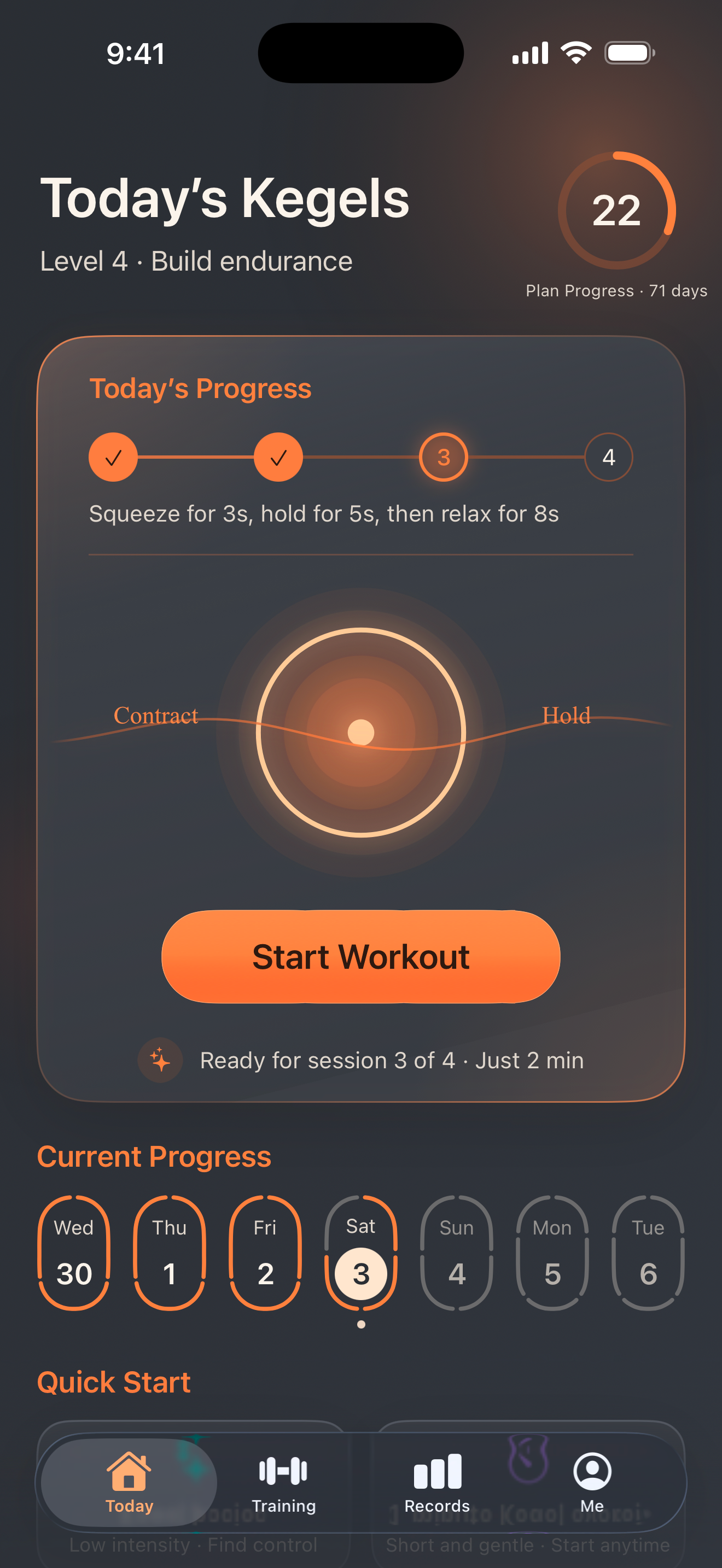
Your current session, daily progress and quick start are together in one place. Continue your plan or find a short session whenever you need one.
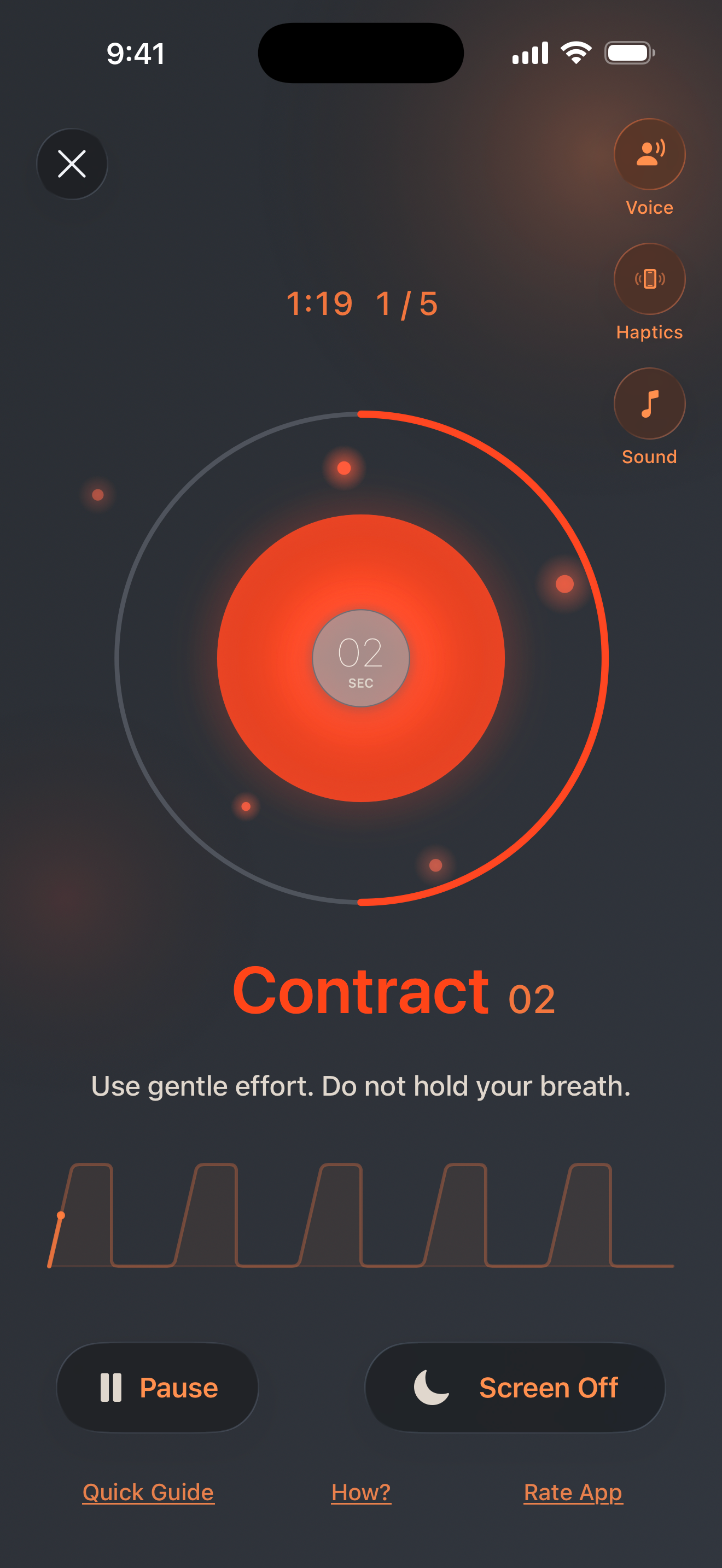
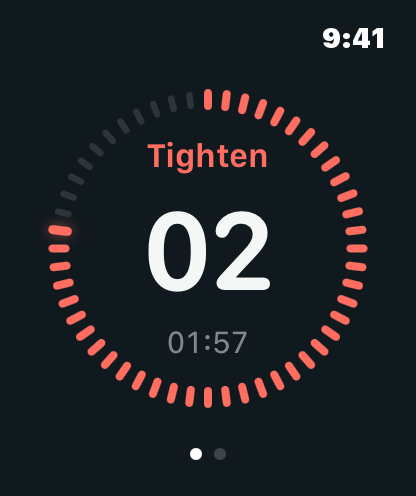
Move through prepare, contract, hold, release and rest. See your current phase and time remaining without counting for yourself.
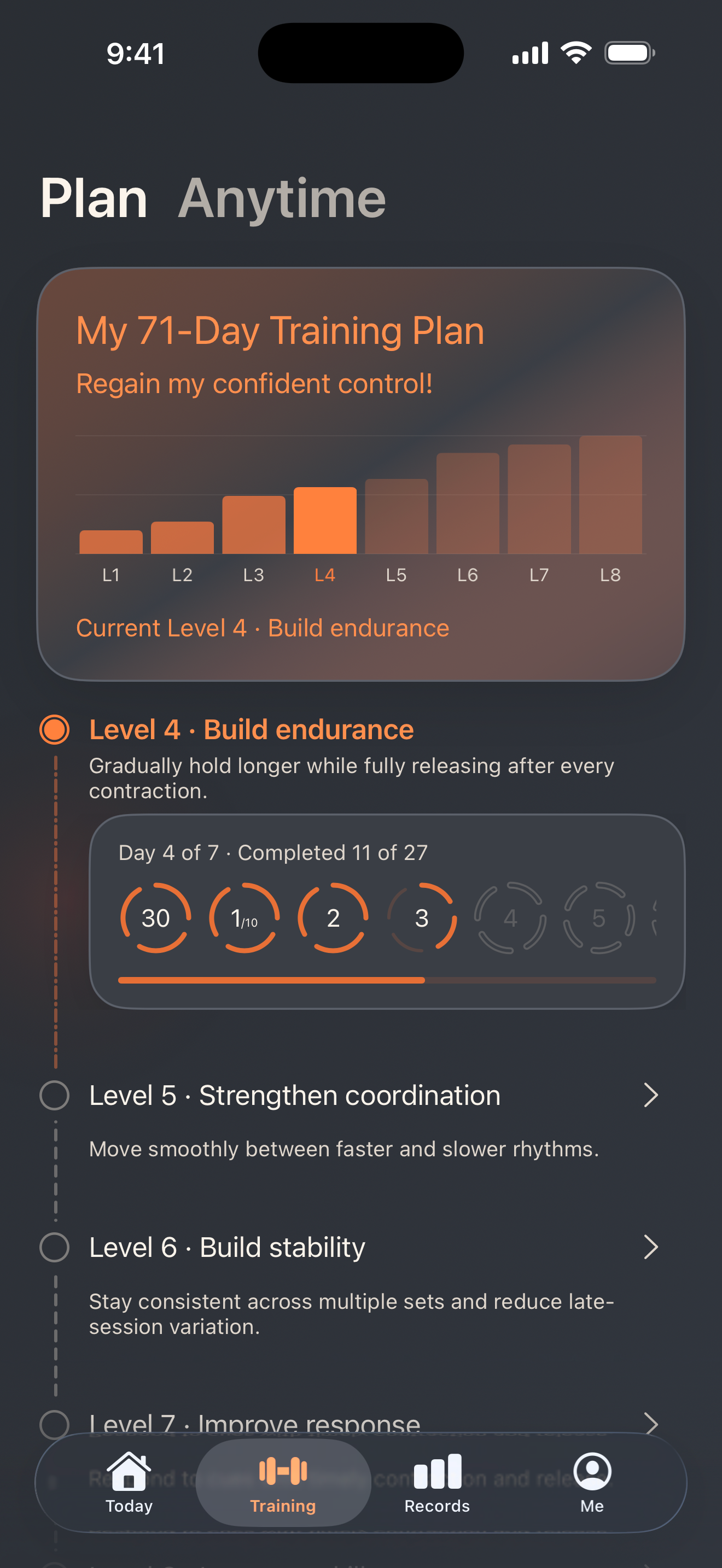
Check your current stage and progress, building from the basics. You can also choose an individual session to suit the moment.
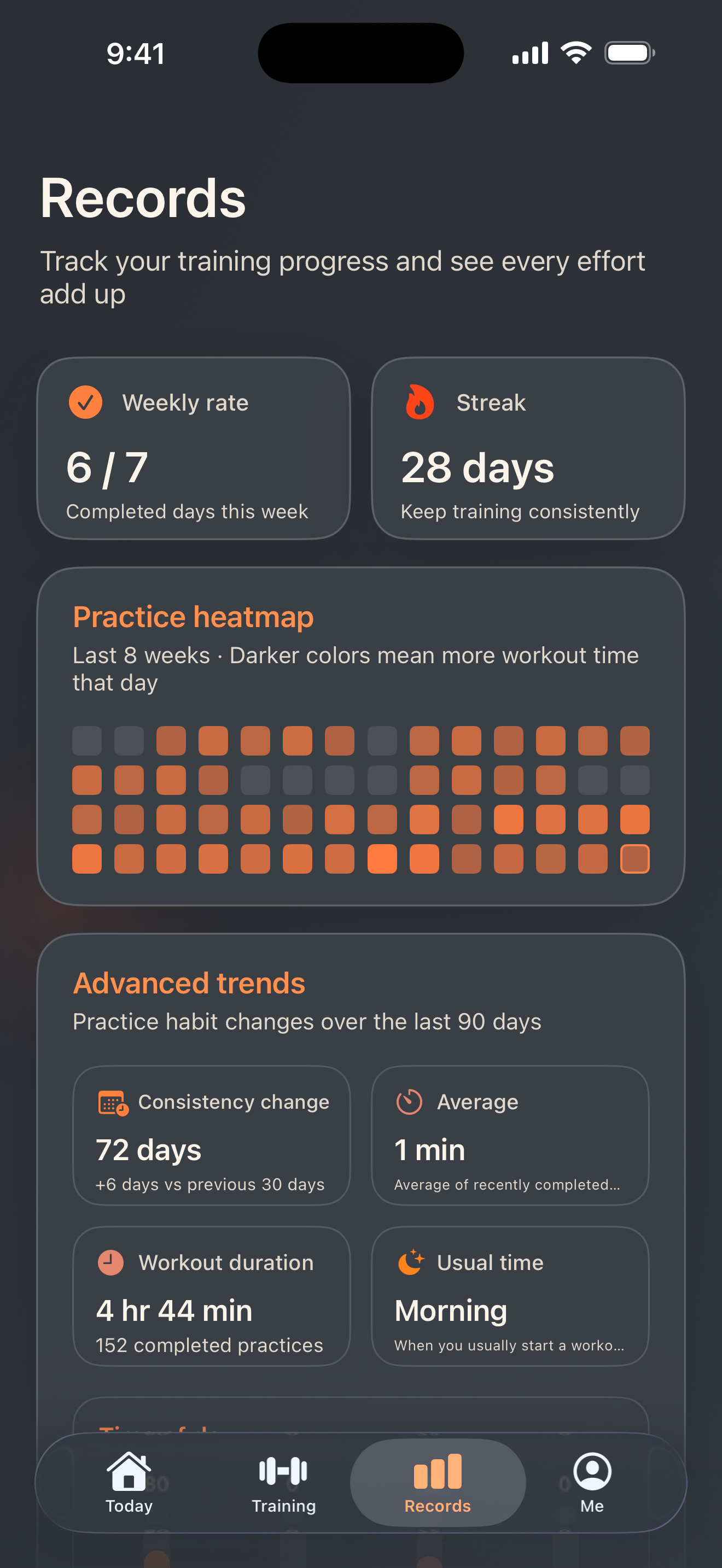
See completed days, total time and recent sessions. Use your calendar and trends to look back at your practice and see your effort add up.
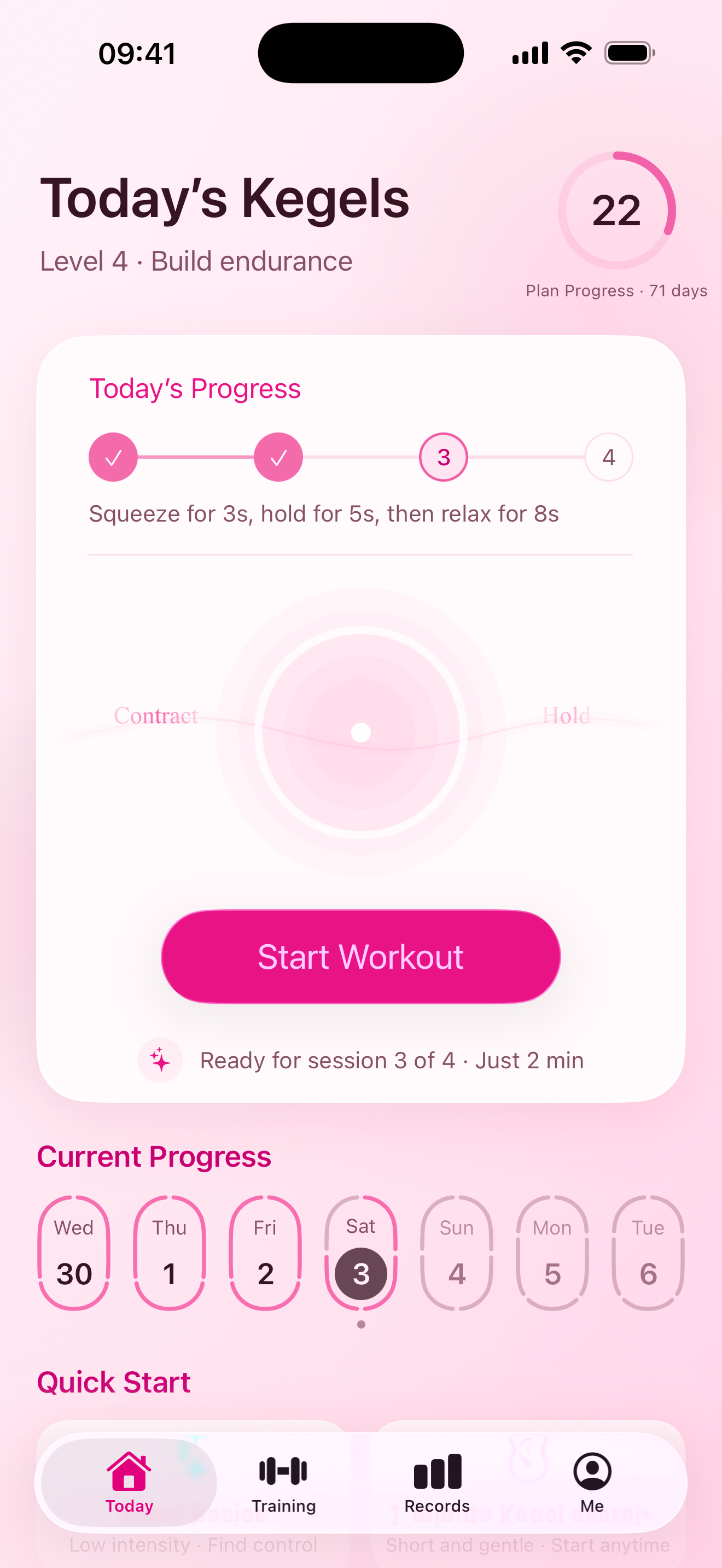
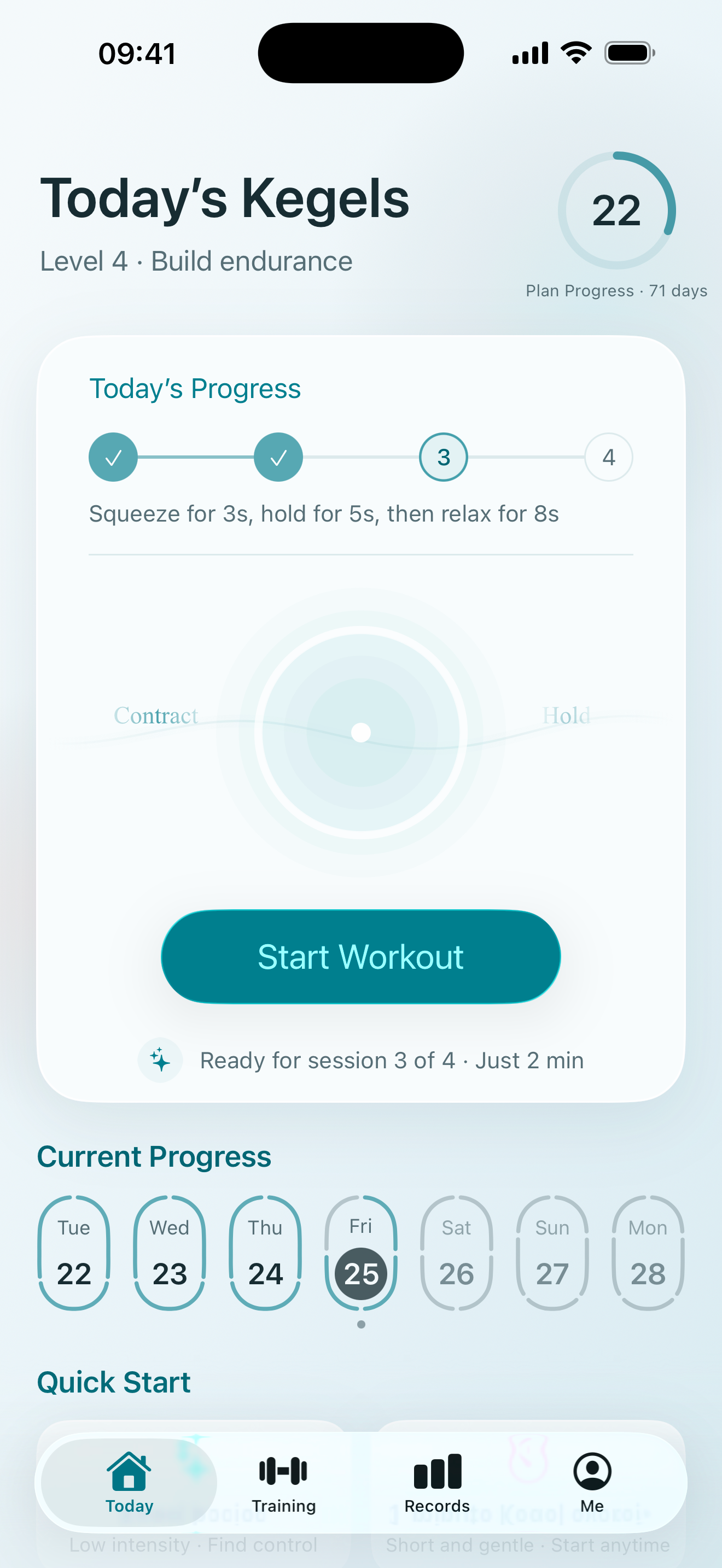
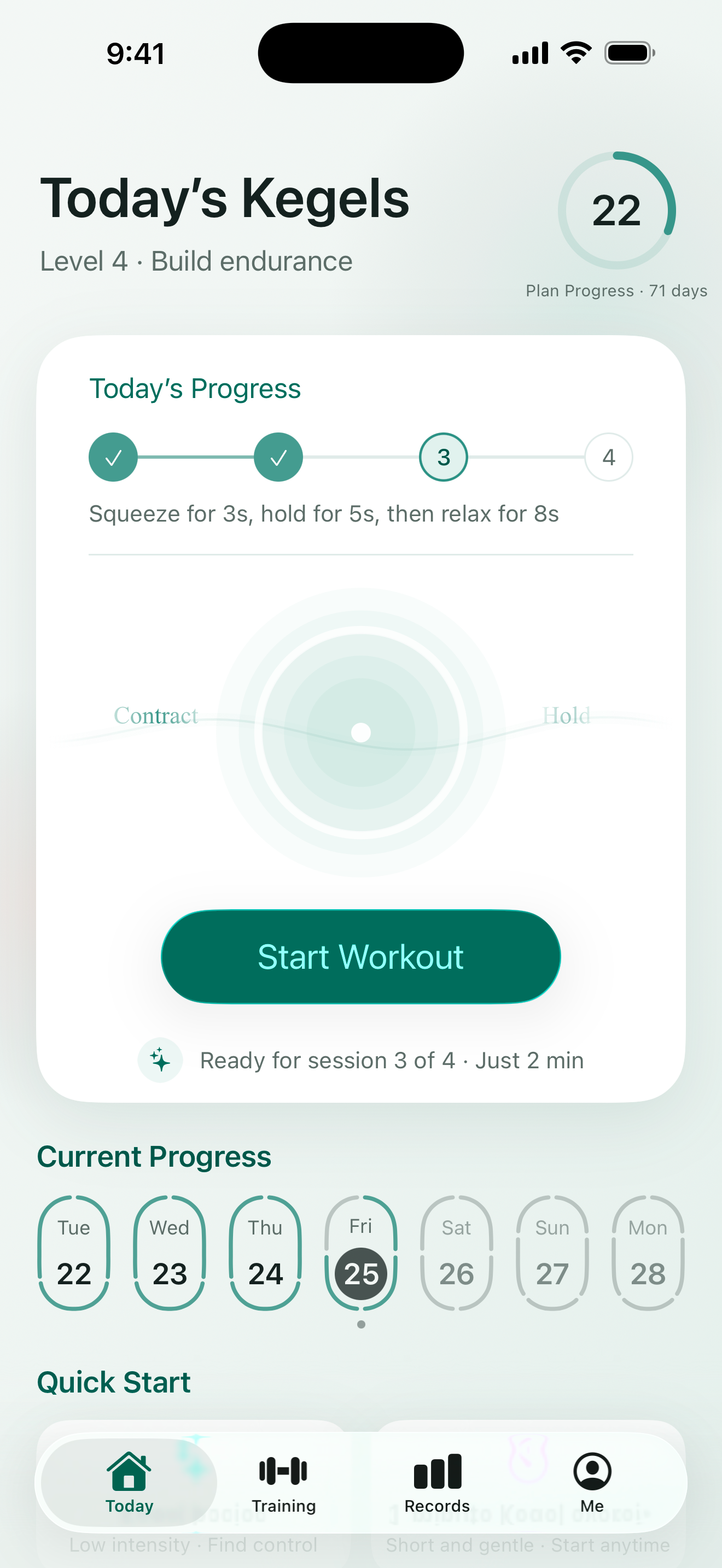
Cherry Blossom Pink, Glacier Blue, Turquoise and warm Vibrant Orange. Choose a theme you enjoy seeing every day. QuietKegel is for adult men and women; the colors are simply your choice.
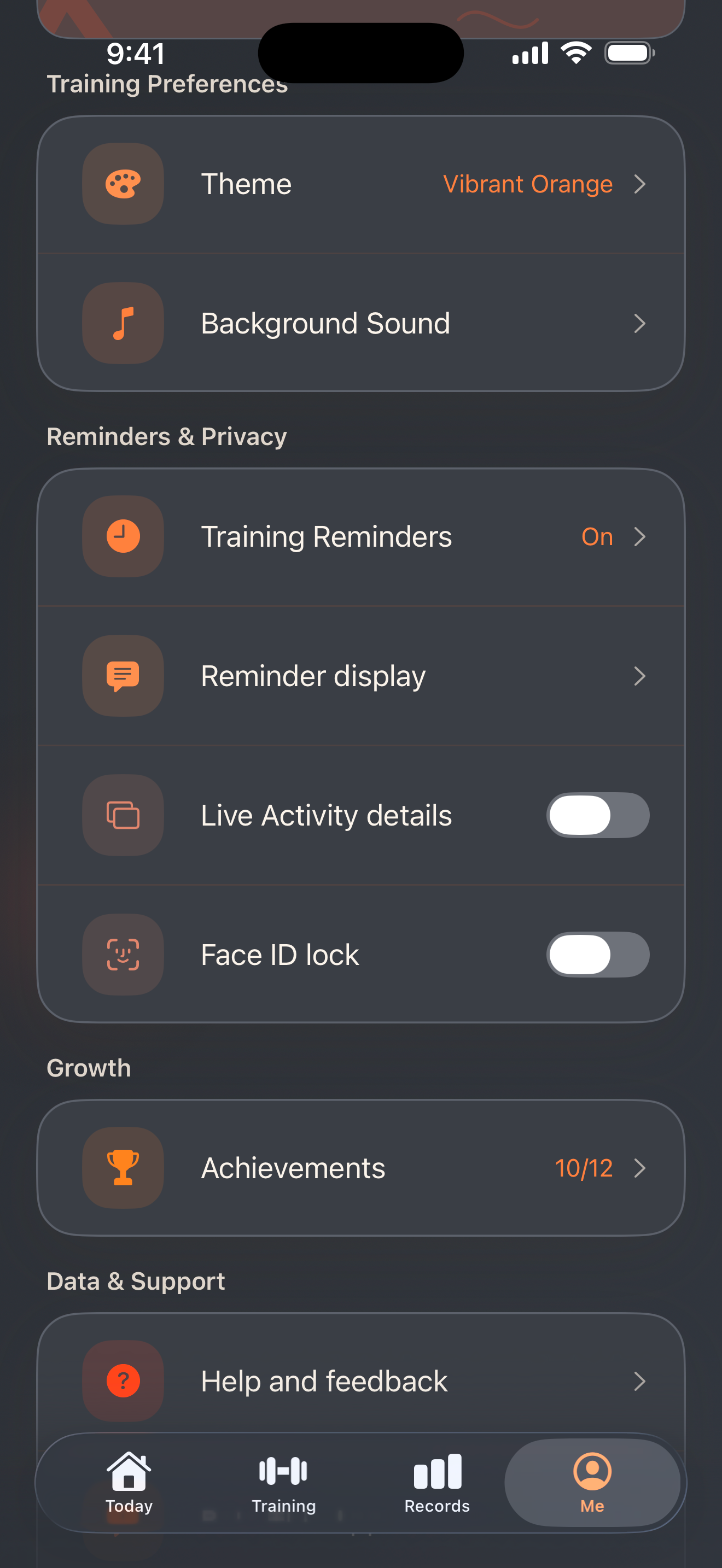
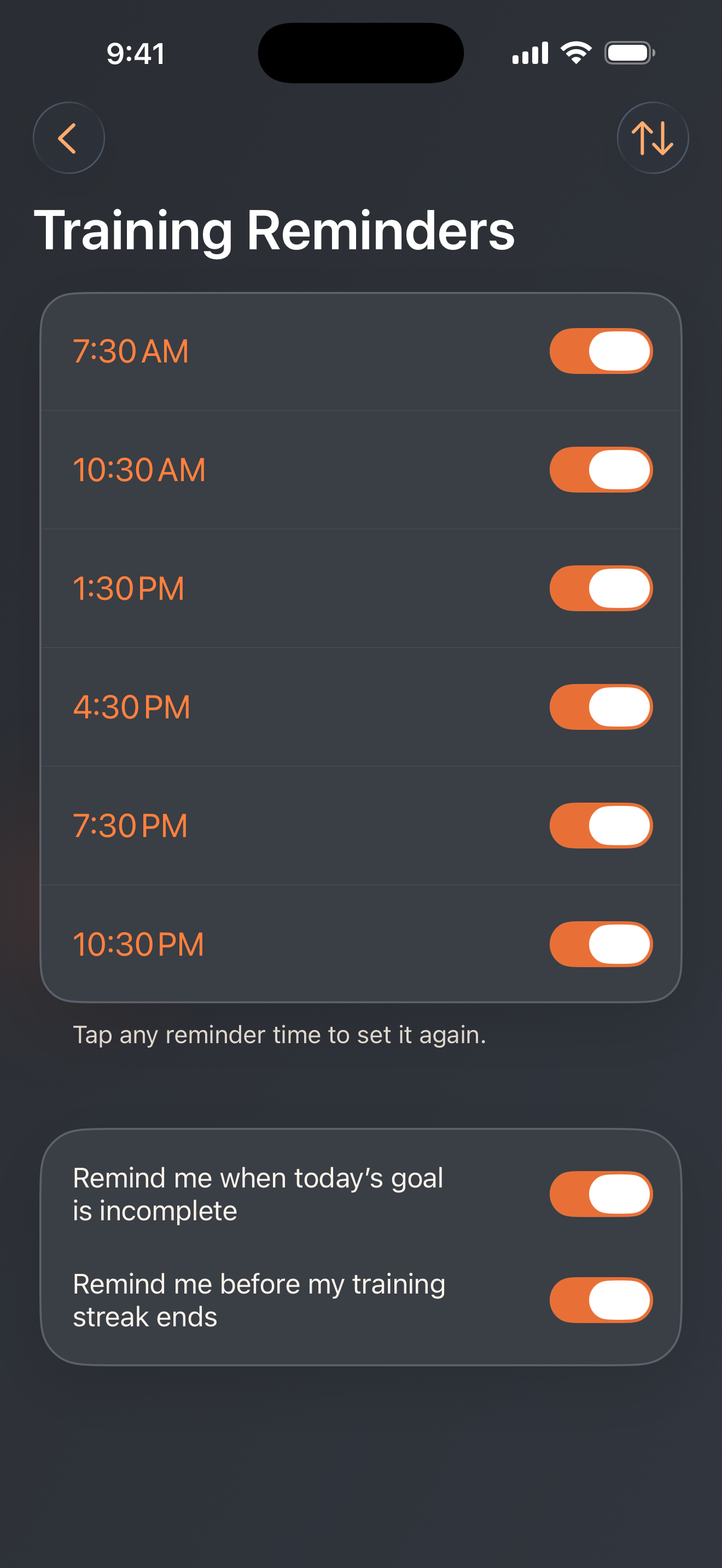
QuietKegel needs no account and has no ads. Training records stay on your device, and you choose how reminders and private details appear.
Set training reminders when you want them, with discreet notification wording to reduce sensitive details on your Lock Screen.
Choose Face ID lock and whether to show Live Activity details. Check the app for device support and Pro feature availability.
Export or clear your training history. Read the privacy policy for full details on data handling.
Read the privacy policyQuietKegel supports Apple Watch for lightweight guided practice on your wrist. Check today's training and follow phase countdowns and haptic cues, one session at a time.
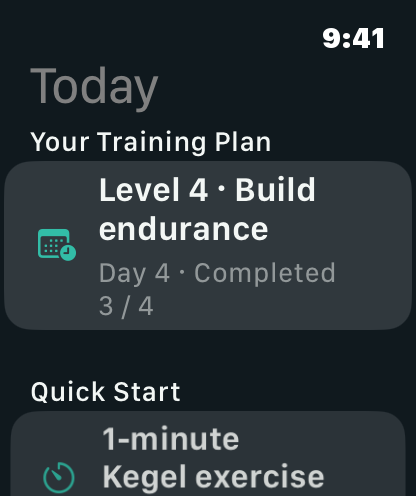
QuietKegel is a pelvic floor training and habit-tracking app for adults. It provides guided Kegel phases, training plans, reminders and history for everyday practice and habit management.
No account is needed. The app offers free foundational sessions, with more training and advanced features available through Pro. Products, prices and benefits are shown in the app and on the App Store.
iPhone and iPad offer the full training and history experience. Apple Watch offers lightweight guided sessions and syncs records to the paired iPhone. Purchases and purchase restoration are handled on iPhone.
No. Voice and background sound are optional. You can follow phase visuals, countdowns and haptic cues, adjusting sound and haptics as needed.
Records are stored locally on your devices, with syncing between iPhone and its paired Apple Watch. There is currently no app account or cloud syncing of training history. See the privacy policy for details.
Use gentle effort, breathe naturally and relax fully after every contraction. Do not repeatedly practice while urinating. Stop if you feel pain or clear discomfort, rather than pushing through to finish.
Health note:This app is for everyday pelvic floor training and habit tracking, not medical diagnosis or treatment advice. For severe symptoms, pregnancy, recovery from surgery or the early postpartum period, consult a doctor or pelvic floor rehabilitation professional first.
Take a few minutes to follow a guided session.
Let QuietKegel help you keep a record of your practice.